

A normal morning that drains more energy than you think
The patient sits down. The dentist adjusts the chair. The assistant repositions the light.
“Can we go a little higher?”
The assistant adjusts. The dentist checks the angle. Two instruments are swapped. The patient’s head tilts slightly and the whole sequence starts again.
Nothing dramatic happened. No complication. No emergency. Yet this moment repeated 15 to 25 times a day, in every procedure is where the real cost of an inefficient workspace hides.
KEY DATA
Dental ergonomics research indicates that dentists make between 80 and 120 micro-adjustments per working day – repositioning the chair, redirecting the light, reconfirming instrument settings. Each takes seconds. Together, they consume concentration, energy and up to 30-45 minutes of cumulative treatment time.
A smart dental unit in 2026 does not primarily make treatment faster. It reduces the number of times treatment is interrupted.

What exactly is a smart dental unit? (And what it is not)
The term “smart dental unit” gets used at trade fairs and in marketing brochures. But in most cases, it simply means a unit with a digital screen.
A true smart dental unit is different. It is a treatment centre that learns how the dentist works – and prepares the workspace before the first instrument is picked up.
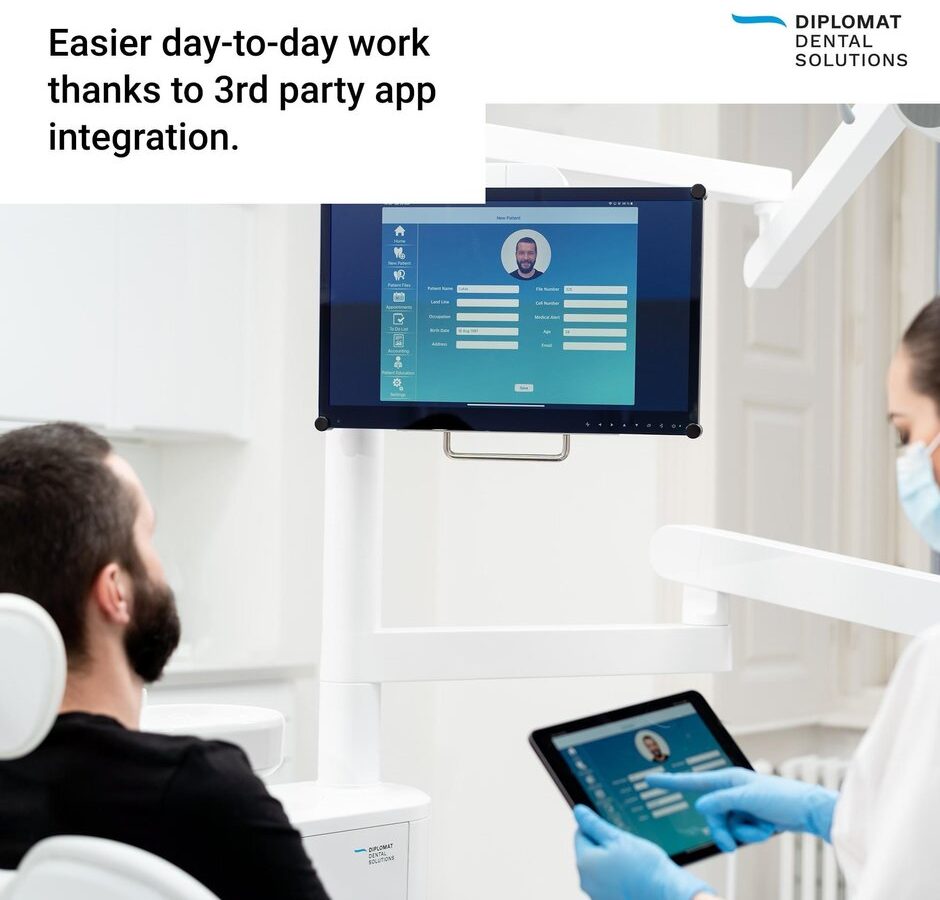
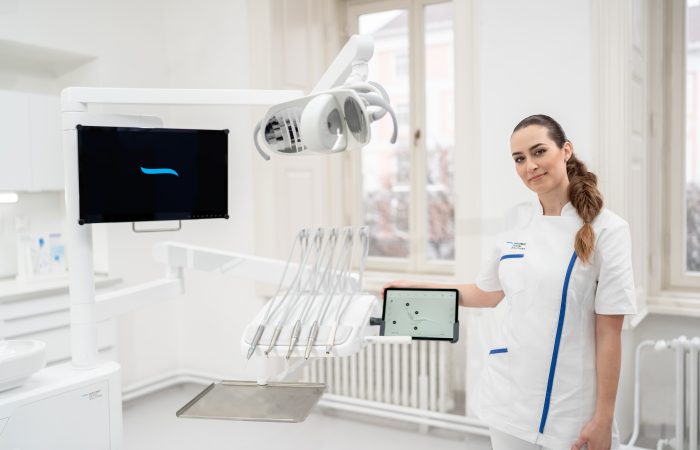
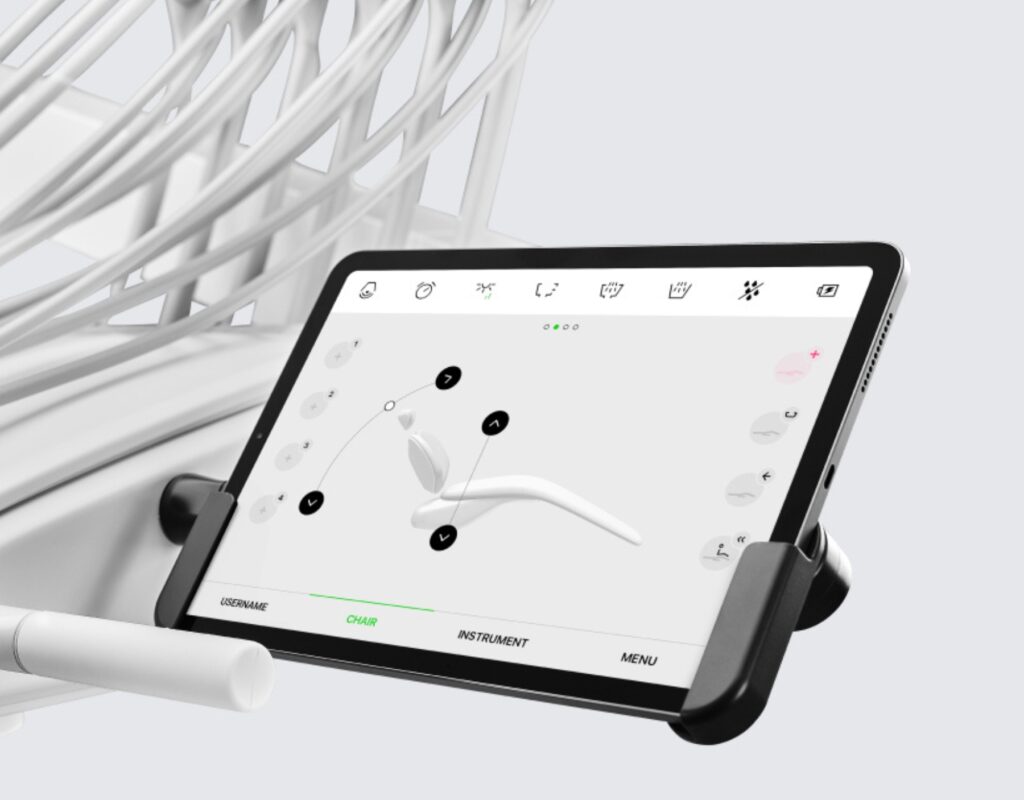
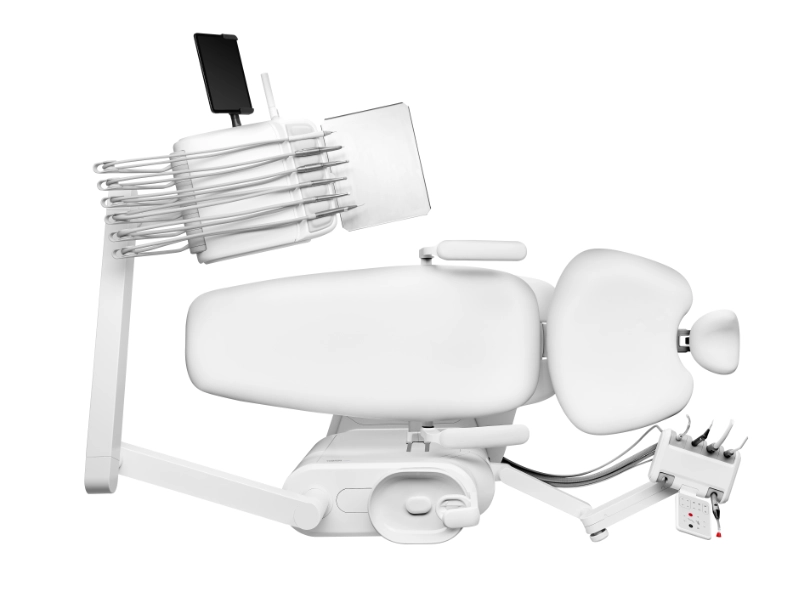
The Diplomat Model Pro line (500, 600, 700, 800) is the first dental unit line on the market to be fully managed via a tablet and a dedicated mobile app, Diplomat Connect. The tablet can be any iOS device – the dentist does not need to buy a new one.
More: Your technician recommends: Diplomat Dental
Here is what this means in daily practice:
Preset patient positions: The dentist saves preferred chair positions for different procedure types. One tap recalls the exact configuration – no verbal instruction to the assistant, no manual adjustment.
Instrument parameters in seconds: Turbine speed, endodontic torque, scaler intensity – all configurable and stored as settings in the Diplomat Connect app. Each team member can have their own profiles with unlimited programmed settings.
Light, hygiene, footpedal: Everything from lamp intensity (adjustable with a swipe) to customised cup fill time and tray rotation is pre-programmed.
Patient communication hub: The tablet displays treatment plans, X-rays, educational videos and practice presentations directly beside the chair. The mirror function projects content onto the unit monitor.
Remote diagnostics: Diplomat Connect runs diagnostics automatically, sends error data to technicians and keeps firmware up to date – reducing downtime and service visits.
This is no longer technology for its own sake. It is fewer decisions during the day.
FEATURED SNIPPET – What is a smart dental unit?
A smart dental unit is a treatment centre that automatically prepares working position, instrument parameters, lighting and team coordination through a tablet-controlled app – minimising manual decisions and workflow interruptions during dental procedures. The Diplomat Model Pro Series is the first commercially available smart dental unit controlled entirely through a mobile app (Diplomat Connect), available for iOS.
7 signs your workflow is limited by the equipment, not the team
Most practice owners try to solve workflow problems with better communication or staff training. This helps once. But if these situations repeat daily, the problem is intrinsic to the workplace:
- Patients wait visibly while the chair is positioned for each procedure.
- Your assistant is forced to make repeated, continuous adjustments because each treatment phase requires a specific position.
- Afternoon fatigue arrives earlier than expected – not from complex cases, but from repetitive micro-adjustments.
- Every treatment starts late due to the same 2-3 minute manual setup routine.
- The dentist repeatedly diverts attention from the treatment area during a single procedure to change settings, adjust the light etc.
- New team members take weeks to learn the workflow because it depends on unwritten habits.
- You do not receive radiographic images directly at the chairside, but are forced to walk to the PC – losing time and limiting patient communication quality.
These inefficiencies seem trivial in isolation. Accumulated over an entire day with 15-25 patients, they are the main source of frustration, physical fatigue and inconsistent treatment quality.
More: Model Pro: a game-changer in patient communication

Why training and checklists cannot solve an equipment problem
Dental teams are used to communicating. Morning briefings, shared protocols, verbal confirmations: this is daily practice. And it works – up to a point.
The real limit is repetition. A checklist is useful once. But a workflow repeats hundreds of times a day. Every manual adjustment, every verbal instruction, every ‘moment of uncertainty’ requires a micro-decision that consumes energy and attention.
Modern dental units do not try to change team behaviour. They simplify the system, reducing the number of decisions needed to start, carry out and conclude a treatment, freeing up mental resources and making work more fluid, natural and efficient.
KEY DATA
Adoption of digital impression systems in dental practices rose from 48% to 57% between 2023 and 2024. The trend is clear: dental professionals are actively moving towards tools that eliminate manual steps and reduce repetitive decisions. Smart dental units are the next logical step in this evolution.
Model Pro vs. traditional unit: a real workflow comparison
Below is a comparison based on real clinical scenarios. The difference is not in speed. It is in the number of interruptions – and what this means for your team and patients across a full working day.
The difference is not minutes per treatment. It is how many times you have to stop working – and rebuild concentration after each interruption.
Real comparison: what changes during a composite filling
A routine Class II composite restoration is one of the most common procedures in any dental practice. The core clinical steps diagnosis, anaesthesia, isolation, cavity preparation, bonding, layering and finishing – remain essentially identical regardless of the equipment used. The real difference lies in how the unit and working environment support – or interrupt – these steps, generating micro-pauses linked to instrument management, working parameters and patient positioning.
Traditional setup
Isolation begins. The mirror is adjusted, the assistant repositions suction, the dentist pauses for a moment to realign the patient’s head. The operating lamp is corrected several times to reduce shadows and reflections in the proximal area. Already at this stage, small posture, light and suction corrections alternate, breaking the rhythm of the clinical gesture.
During preparation, the bur change is one of the most frequent micro-interruptions: the dentist switches from a cutting bur to a finishing bur, or from an enamel bur to a dentine bur. In a ‘non-collaborative’ unit this often also means manually resetting the motor speed and spray volume every time the instrument changes. A few seconds at the panel to increase or reduce rpm, correct the water flow, verify the footpedal feedback: the time is short, but sufficient to take the operator out of ‘autopilot’ and force a visual and mental double-check.
The same happens in the finishing and polishing phase: switching to another handpiece or another mode, new adjustment of rotation parameters, new verification of the spray to avoid excessive aerosol or, on the contrary, overheating. Each change of clinical phase corresponds to a small ‘technical stop’ at the unit: hand leaving the field to reach the panel, gaze shifting from the cavity margins to the display, new confirmation with the footpedal to feel whether the response is correct.
The procedure continues, but in fragments. Each fragment requires the dentist to mentally reset: check the preparation margin, re-establish the working angle, confirm that isolation is intact, reacquire the same view of the contact point after being distracted by the unit controls. The clinical work is correct, but the rhythm is realistically interrupted 6-8 times in a single procedure, largely due to manual management of speed, spray, lights and positions, rather than problems of technique or materials.
Workflow with Model Pro
With a digital unit like Model Pro, the same clinical steps unfold with far fewer interruptions linked to instrument settings. The dentist selects the preset in the Diplomat Connect app: the chair moves to the saved position for posterior restorations and the 3D pneumatic headrest stabilises the patient’s head, minimising micro-adjustments during preparation and finishing.
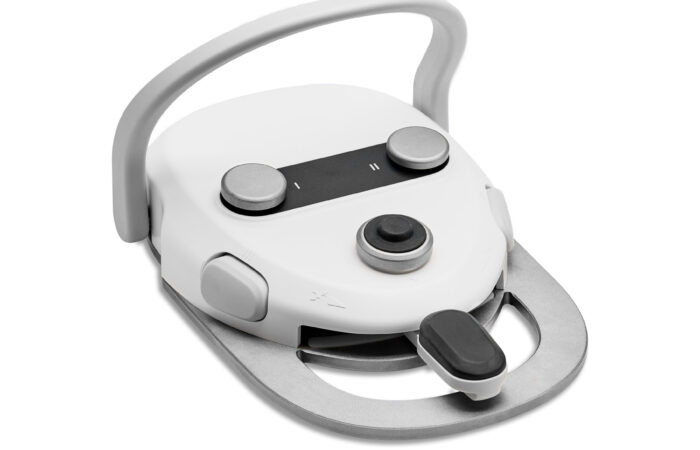
The real leap is in the integrated management of instruments and light. The motor and other handpiece parameters are linked to work presets that can be recalled directly from the footpedal, together with lamp intensity settings. Switching from a preparation bur to a finishing bur, the dentist no longer needs to stop at the panel: a single footpedal command simultaneously recalls the correct instrument profile and the most suitable light mode for the phase (prep, bonding, layering, finishing).
In this way, the hand stays in the operative field, the gaze stays on the tooth and the assistant can anticipate steps knowing that the system behaviour is consistent from one Class II to another. Clinically, the sequence is the same; but the number of technical micro-interruptions – to adjust speed, spray and light intensity – is significantly reduced. On a single filling this means smoother flow; across hundreds of restorations a year it translates into less cognitive fatigue and greater consistency of execution throughout the clinical day.

Discover Model Pro in action
Want to try the digital workflow before committing? Visit our showroom or request a live demonstration with your team.
diplomatdental.com/first-smart-dental-unit > Request a demo